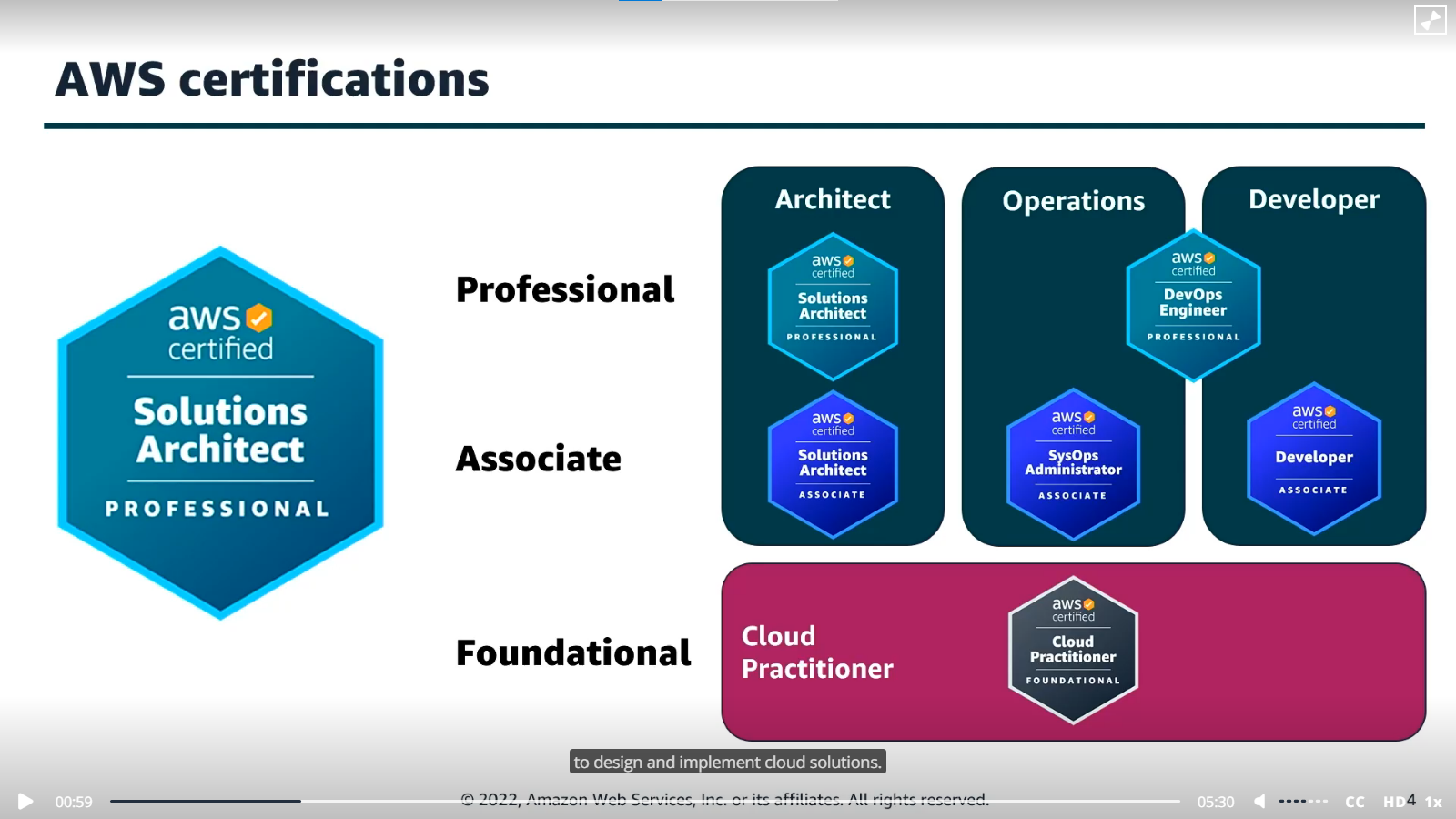
AWS Cloud Quest: Solutions Architect — Building advanced cloud architectures
Introduction
I recently completed the AWS Cloud Quest: Solutions Architect in July 2023 and wanted to share the experience and path I took to finish it. AWS Cloud Quest is an open-world, role-playing game that teaches you how to create AWS solutions using cloud concepts and real-life exercises. Unlike the Cloud Practitioner edition, the Solutions Architect role focuses on designing resilient, high-performing, and cost-optimized architectures. It features 26 scenario-based assignments that go well beyond the basics, covering topics like container services, serverless, CDN, and infrastructure automation.
AWS Cloud Quest Essentials Topics
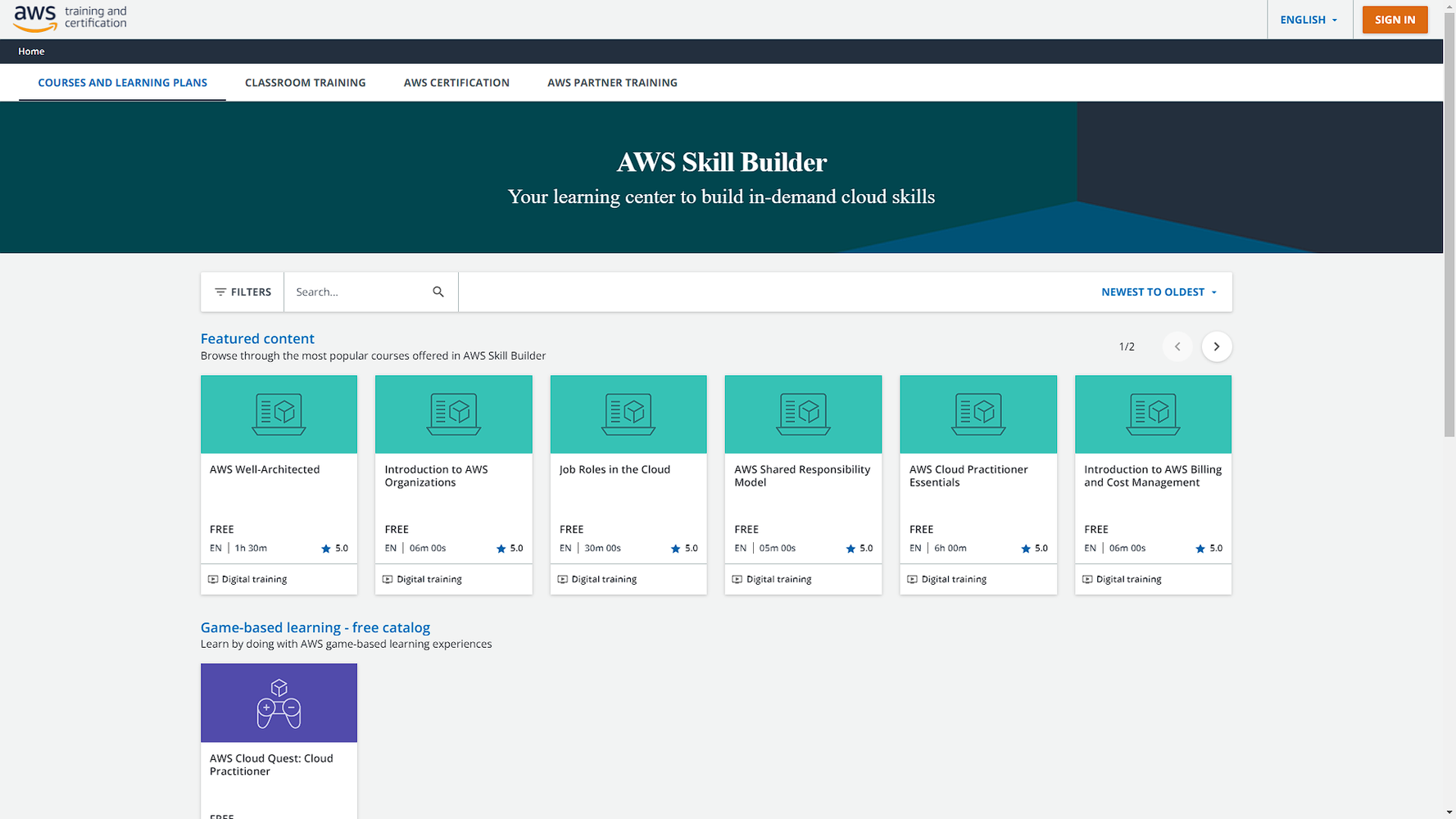
Link to the game on Skill Builder AWS Skill Builder
The 12 real-life scenario assignment labs include:
- Highly Available Web Applications
- Networking Concepts
- File Systems in the Cloud
- Core Security Concepts
- Cloud Computing Essentials
- Connecting VPCs
- First NoSQL Database
- Cloud Economics
- Databases in Practice
- Auto-Healing and Scaling Architecture
- Computing Solutions
- Cloud First Steps
- DNS
- Analyzing Network Traffic
- Single-Page App
- Container Services
- Decoupling Applications
- Auto-Healing and Scaling Applications
- Resource Monitoring
- Content Delivery Networks
- Backing up Data
- Deploying RESTful APIs
- Serverless Foundations
- API with Database
- Automation with CloudFormation
- Resource Governance
In the next sections I’ll cover 4 main areas in terms of interface and world (it is a game after all), content and quests (how does the knowledge align with the game), user interaction and performance (how does the system and environment perform) and learning experience (how effective is it in teaching cloud concepts and practice). Followed by an overall summary of the review and recommendation compared to some other AWS free education programs.
When you come to the Solution Center to build the solution and complete the quest, you have 4 steps you need to go through:
- Learn
- Plan
- Practice
- DIY
1: Learn
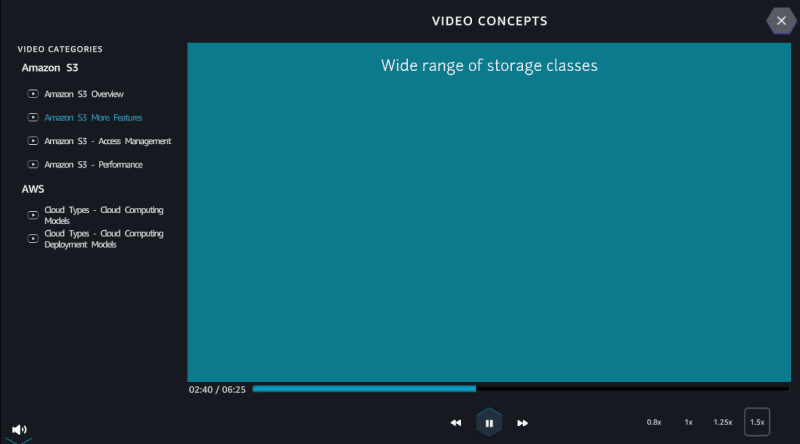
In the learn section you can interact with a diagram of the solution you build and can watch videos of the concepts and services that you will use. I must admit, the diagram was really helpful and gets new to cloud learners used to the concept of solution or architecture diagrams as well as explain what the services are and the way they function.
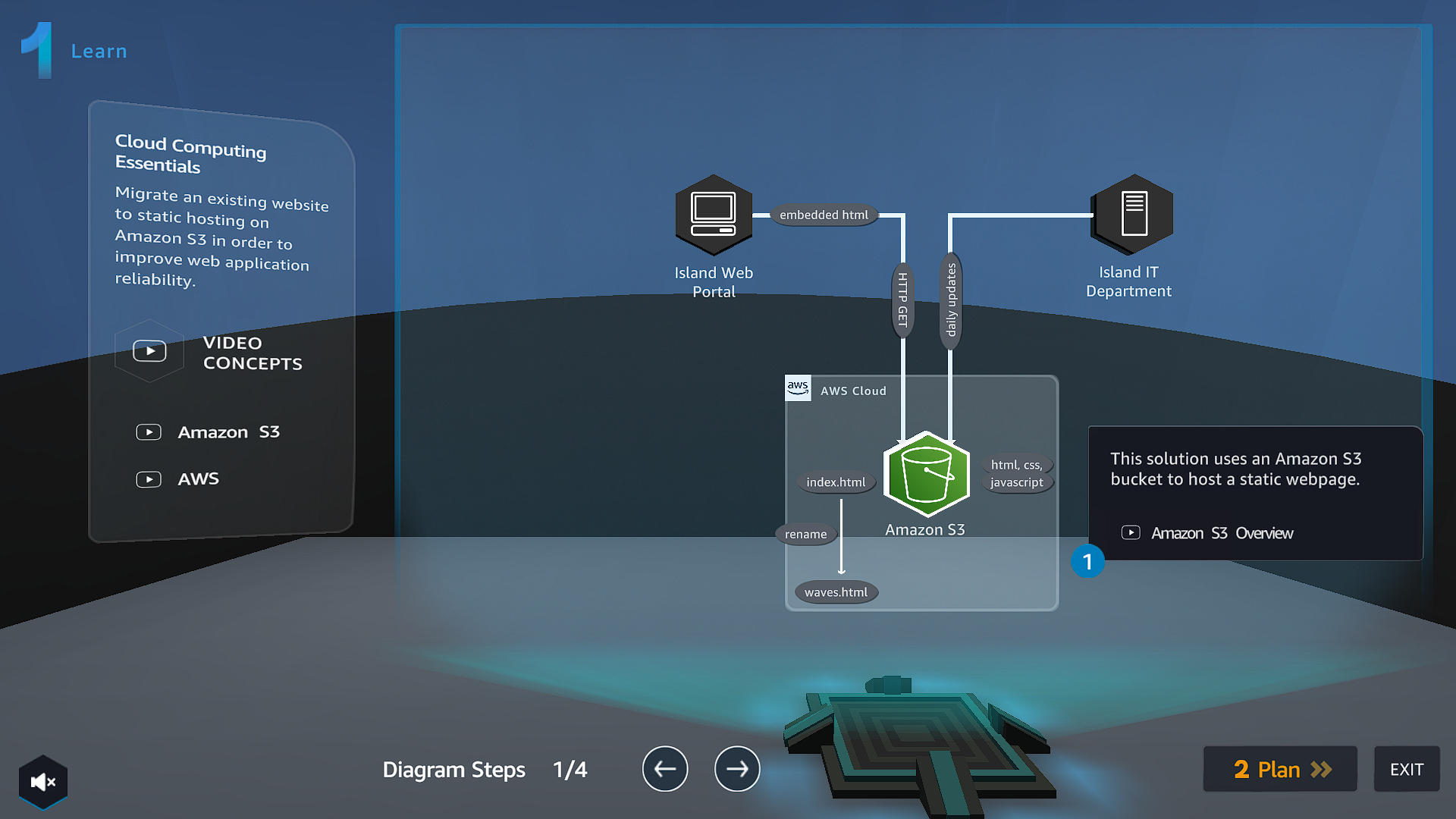
The less great part of this step was the fact that at times the videos took long to load, therefore give it time for the videos to load then watch them. They help one understand the services in the lab and give insights. I highly recommend you watch them even though there might be a glitch or a lag.
2: Plan
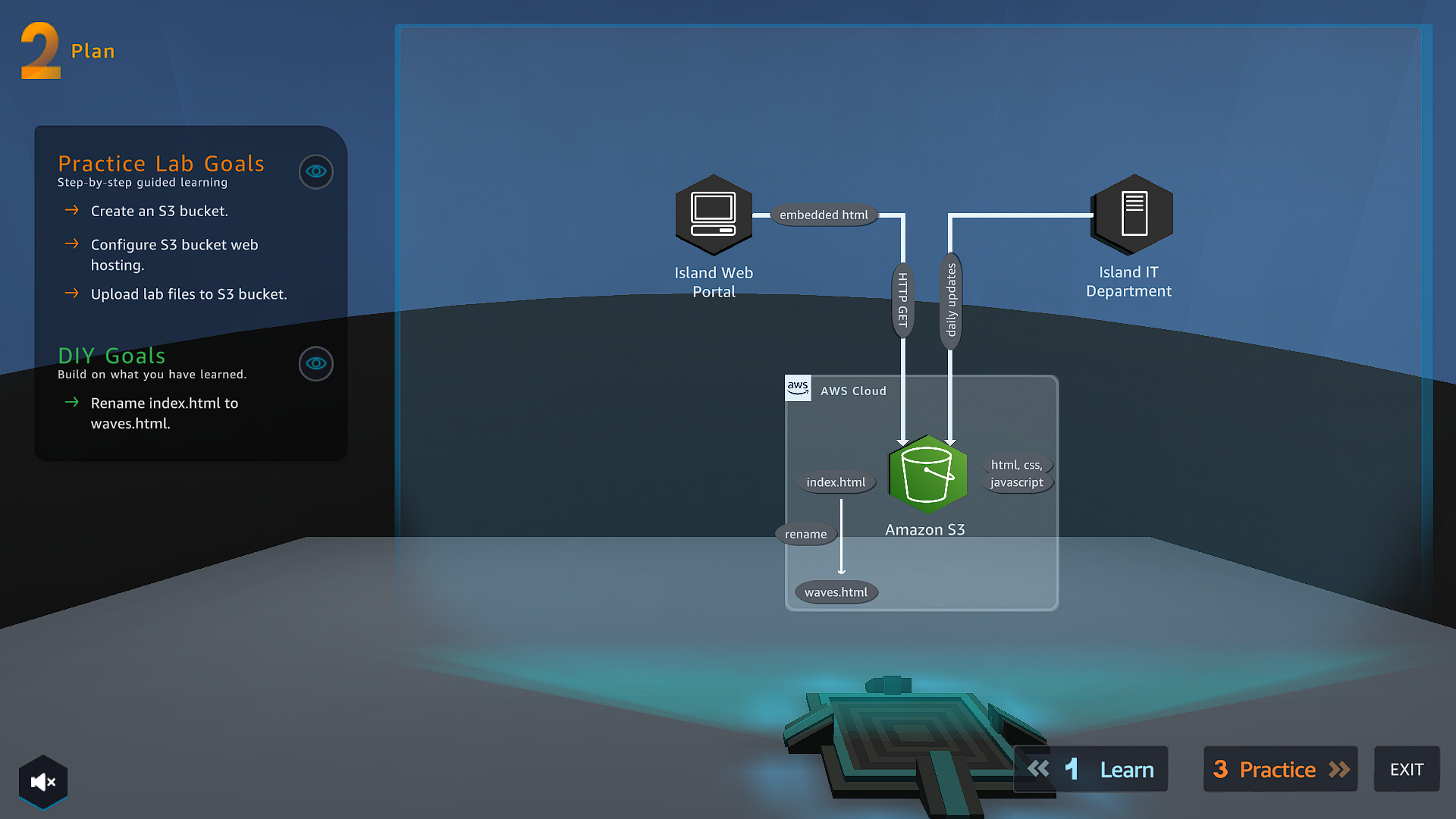
In the plan section you will use the architecture diagram to creatively come up with the solution for the challenge. It displays the practice lab goals in which this section gives the steps to follow to achieve the goal and the DIY goals where one does this section using the knowledge gained.
3: Practice
This is the interactive hands-on area. Here, you will get to implement an initial solution using the actual AWS Management Console itself. It will provide you with an AWS Console session that will expire in 2 hours and 30 minutes. Just as the name of this section implies, this part is mainly for practicing the steps for the final solution that you will implement in the next section.
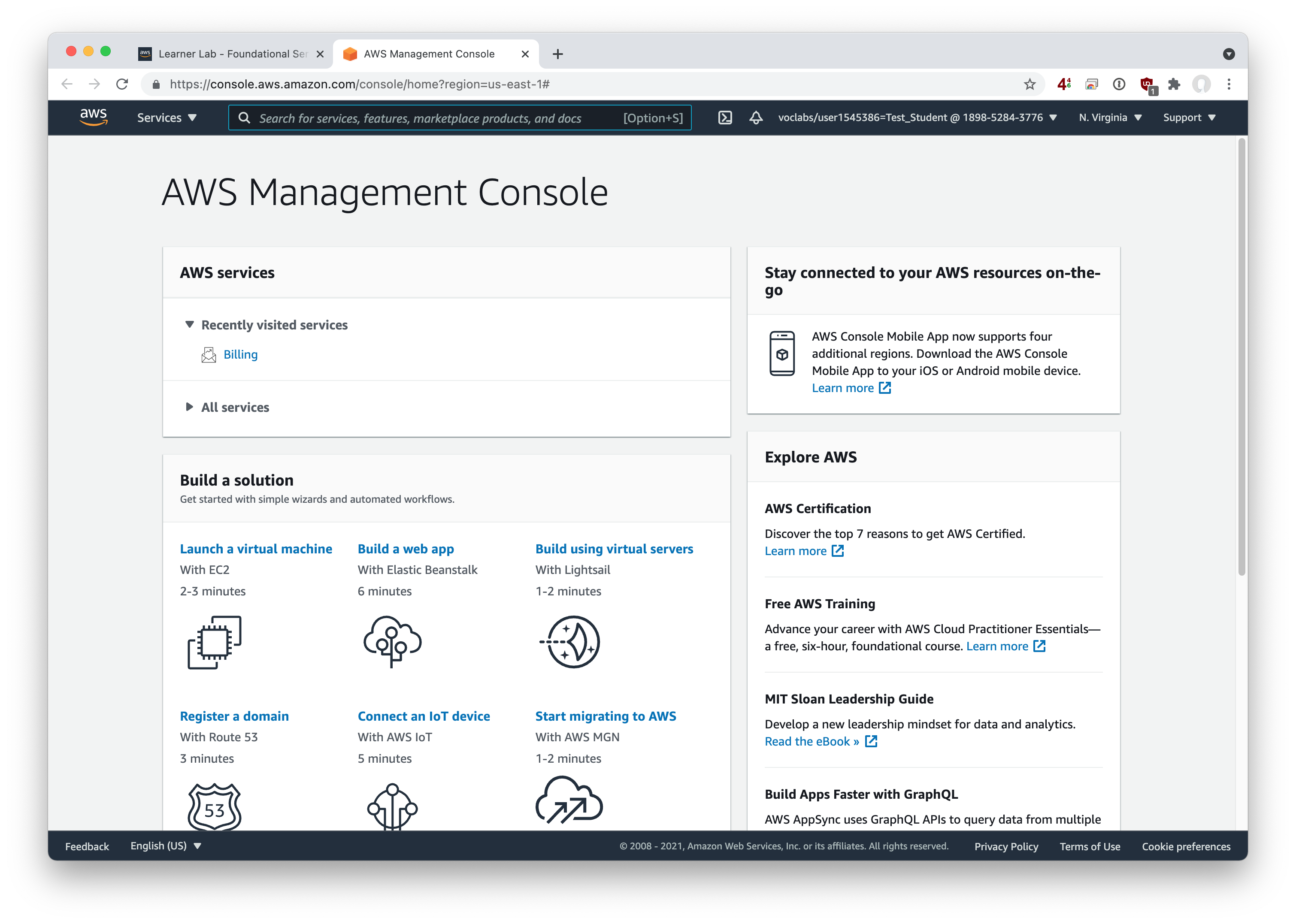
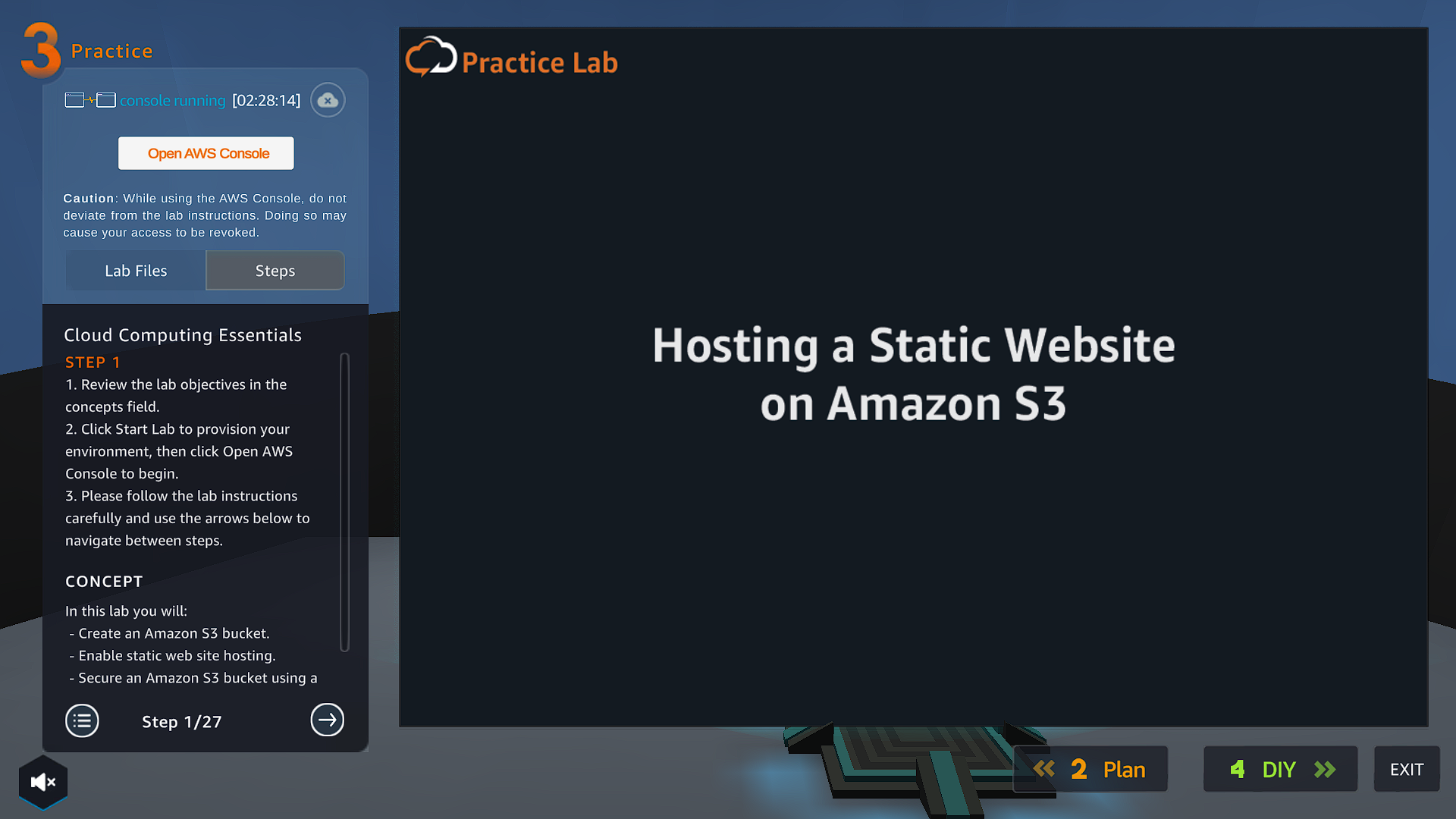 Once you click open AWS console button a new tab will open and you will be directed to the AWS Management Consol homepage.
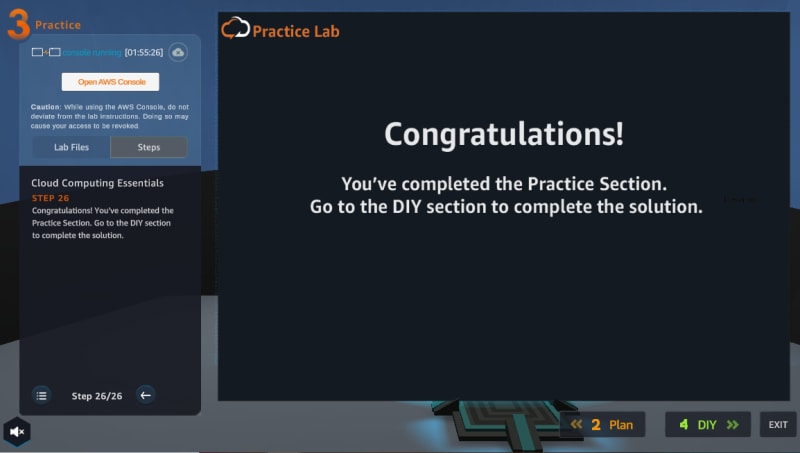
 When you are through with the hands on section, this image will be displayed showing you’ve finished the section. Click on the DIY button to go to the next step.
4: DIY
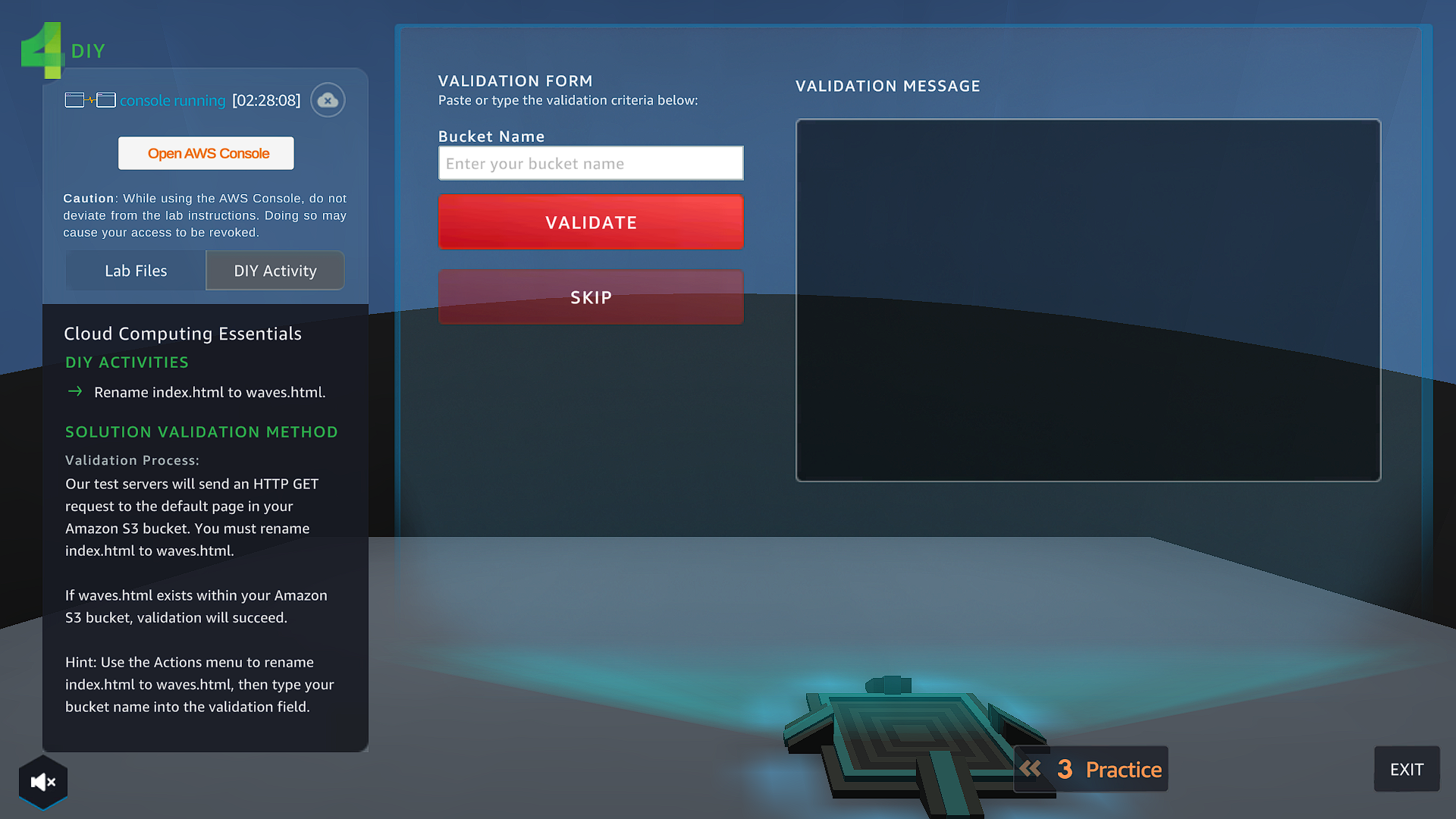
This is the final part of the Solution Center. Here, you apply your own solution based on the learnings that you have acquired in the Practice section.
Conclusion
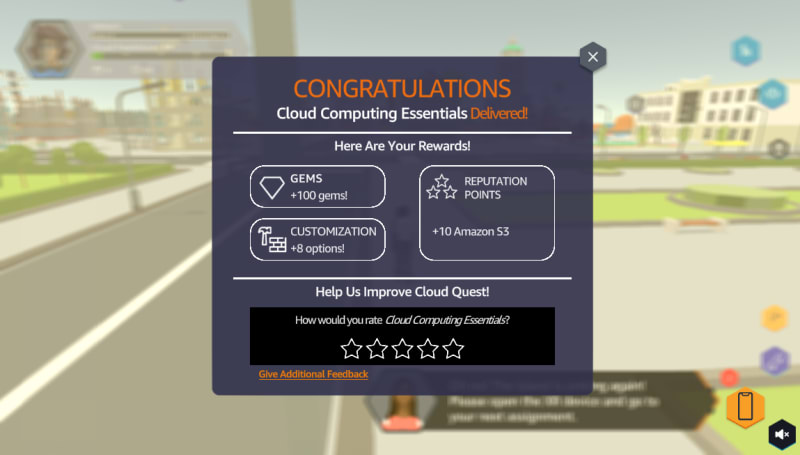
AWS made learning Cloud fun to learn and one can learn maybe on lunch breaks or even on your free time. This game gives you a good amount of information about AWS Cloud and is both entertaining and interactive at the same time. Again, this is free to play for everyone and all you need is an Amazon account. I think AWS did a great job in developing the game, making it highly interactive and user-friendly.